
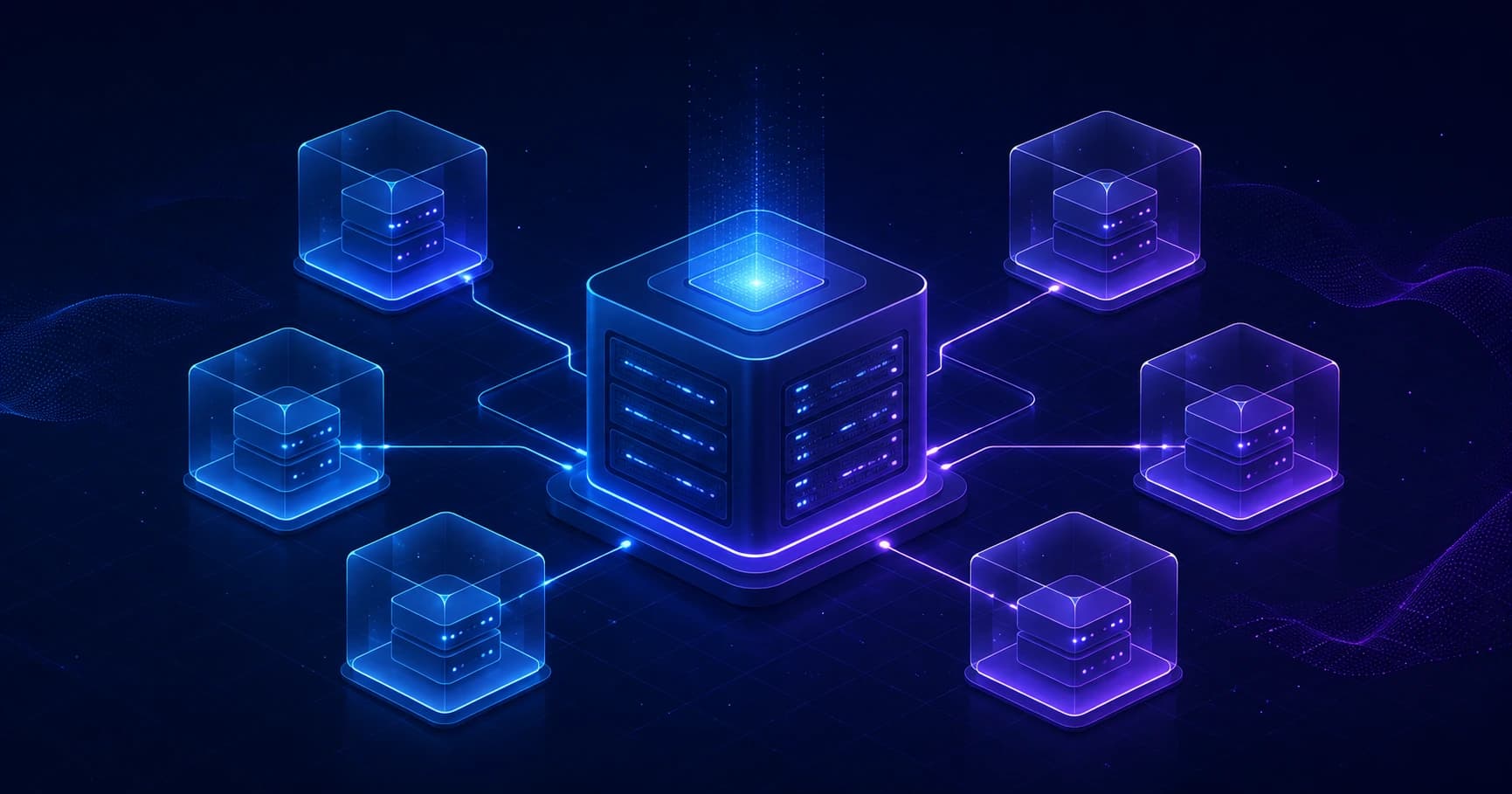
A VPS is a virtual server that behaves like a standalone computer in a data center. You can install whatever operating system you need, run websites and applications, store data, and set up bots, databases, or your own VPN.
Unlike shared hosting, a VPS doesn't lock you into a prebuilt control panel and a fixed set of features: the server is yours all the way down to the operating system. Let's break down how a VPS works, how it differs from shared hosting and a dedicated server, and what to look for when choosing one.
What is a VPS server
VPS stands for Virtual Private Server. You'll sometimes see the name VDS (Virtual Dedicated Server) instead. In practice, providers often use the two terms interchangeably.
A physical server in a data center is split into several independent virtual machines. Each one gets its own resources — CPU, RAM, disk space, and network settings — and runs in isolation from the others.
To its owner, a VPS looks like a standalone computer that's permanently connected to the internet:
- it has a public IP address;
- it runs its own OS, usually Linux or Windows;
- you can connect to it remotely;
- you can install software on it and change its configuration;
- it runs around the clock for as long as the service is active.
A VPS isn't a separate physical computer. It's an isolated virtual machine running on a powerful server in a data center. But for most purposes the difference is barely noticeable: you get a full-fledged environment with system-level access.
How a VPS works
A VPS is built on virtualization. The physical server runs a special piece of software called a hypervisor. It divides resources among the virtual machines and makes sure they don't interfere with one another.
Simplified, the setup looks like this:
Physical server in a data center
        ↓
Hypervisor (KVM, VMware, Hyper-V, and others)
        ↓
Several independent VPS instances
        ↓
Each customer's OS, applications, and files
When you rent a VPS, the provider spins up a dedicated virtual machine with the specs you chose. For example: 2 CPU cores, 4 GB of RAM, 50 GB of NVMe storage, and one IPv4 address. From there, you get access to the server and manage it yourself.
On Linux, you usually connect over SSH:
ssh root@SERVER_IPFor a Windows server, you'll most often log in through Remote Desktop Protocol (RDP).
How a VPS differs from shared hosting
With shared hosting, a single server serves many websites in a shared environment. You can usually upload your site's files, create a database, and set up a domain, but you don't get access to the operating system itself.
A VPS gives you far more freedom: you can install any compatible software, change your web server's settings, run background processes, and manage security yourself.
| Feature | Shared hosting | VPS / VDS |
|---|---|---|
| OS access | No | Usually root / administrator access |
| Installing software | Limited | Install whatever you need |
| Resources | Shared with other sites | Dedicated within your plan |
| Server configuration | Almost none | Full control |
| Difficulty | Beginner-friendly | Requires basic admin skills |
| Typical uses | A small site or landing page | Apps, bots, VPNs, databases, multiple sites |
If all you need is a WordPress site, shared hosting is often enough. But if you need a non-standard stack, a long-running process, your own API, a Telegram bot, or control over the network, a VPS is usually the better fit.
VPS, VDS, and dedicated servers: what's the difference
Providers use the VPS and VDS labels in different ways, so it matters less which word is on the plan and more which virtualization technology and actual resource specs sit behind it.
| Service type | What you get | Who it's for |
|---|---|---|
| Shared hosting | Space for your site in a shared environment | Small sites and landing pages |
| VPS / VDS | A virtual machine with dedicated resources | Projects with their own logic and configuration |
| Dedicated server | An entire physical server | Heavy workloads, large databases, special requirements |
| Cloud server | Resources you can scale flexibly | Projects with fluctuating load |
A dedicated server gives you the most control and performance, because all of the physical hardware is reserved for a single customer. But it's noticeably more expensive than a VPS and takes more skill to manage.
A VPS is a compromise between price, flexibility, and performance. For most small and mid-sized projects, it turns out to be the optimal choice.
What resources a VPS gets
A VPS's specs usually come down to a handful of parameters.
Processor (vCPU)
vCPUs are virtual processor cores. They affect how fast requests are handled, how applications run, and the speed of project builds, encryption, and background tasks.
For a simple website or bot, 1–2 vCPUs is often enough. For several services, a database, or a heavily loaded application, you may need more.
Memory (RAM)
The operating system, web server, database, and running programs all need RAM. When there isn't enough, the server starts using the disk as temporary memory, and performance drops sharply.
A rough starting guide:
- 1 GB of RAM — a small bot, a lightweight site, or a test project;
- 2–4 GB of RAM — a few sites, an application, or a small database;
- 8 GB and up — heavier applications, caching, or multiple services.
Storage
The disk holds the operating system, site files, databases, logs, and backups. A VPS typically uses SSD or NVMe SSD storage.
NVMe drives handle large numbers of small operations faster — something you'll especially notice with databases, CMSes, and applications that write logs heavily.
Network and traffic
The networking side covers port speed, the amount of traffic you're allowed, and where the data center is located. The closer the server is to your users, the lower the latency tends to be.
For a website or bot, network stability and connection speed matter most. For VPNs, streaming, downloads, and proxy services, the amount of included traffic and the provider's rules matter too.
IP addresses
Most VPS plans include one public IPv4 address. IPv6 may be offered on top of that or bundled into the plan. You need a public IP so that users, applications, or devices can connect to your server.
What a VPS is used for
A VPS is a versatile service. On a single server you can run one project or several independent services, as long as you have the resources for it.
The most common use cases:
- hosting websites and online stores;
- running backend applications and APIs;
- Telegram bots and other automations;
- databases like PostgreSQL, MySQL, and Redis, plus other services;
- test and staging environments for development;
- game servers;
- file storage or backups;
- a mail server — bearing in mind the setup complexity and IP reputation involved;
- your own VPN for personal use or your team.
You can run several small services on a single VPS using Docker — for example, a website, an API, a database, and a Telegram bot. The key is to keep an eye on RAM usage, disk space, and security updates.
Which virtualization is better
The virtualization technology affects how isolated your server is and what it can do.
KVM
KVM is one of the most common choices for a VPS. It creates a full-fledged virtual machine with its own operating system kernel. KVM generally works well for most purposes: web projects, Docker, VPNs, applications, and test environments.
Container-based virtualization
Some plans use containers instead — OpenVZ or LXC, for example. They're lighter on resources but can come with limitations: a shared host-system kernel, less flexible network settings, or quirks in how certain modules behave.
For a general-purpose VPS — especially if you plan to run Docker or a VPN, or to customize the system to your liking — KVM is usually the way to go.
How to choose a VPS
Before you buy, it's worth deciding what the server will actually do. There's no need to grab the biggest plan just in case: you can scale resources up later if your provider supports it.
1. Pick a location
It's best to choose a data center close to your main audience. For personal access or a VPN, the route from your ISP to the server matters too — not just the distance on a map.
2. Size up CPU and RAM
For a first small project, 1–2 cores and 1–2 GB of RAM is often enough. If you're planning a database, several containers, or a control panel, start with 2–4 GB of RAM.
3. Check the storage type
SSD or NVMe is the preferred choice. A plain HDD can be slow enough to hold back modern CMSes, databases, and project builds.
4. Find out the traffic terms
Check whether there's a traffic cap, what port speed is available, and what happens if you go over the limit. This matters for VPNs, file services, video, and projects with lots of users.
5. Ask about backups
Snapshots and automatic backups save you time after a mistake, an update, or an accidental file deletion. But don't treat your provider's backup as your only safety net — it's better to copy important data to a separate location as well.
6. Look at support and the terms of use
A provider may restrict certain kinds of traffic or the use of particular services. Before launching your project, read the terms of service — especially if you're planning a mail server, a proxy, a VPN, or heavy network load.
How to get started with a VPS
After you place an order, the provider usually sends you an IP address, a username, and a password or SSH keys. From there, the basic sequence looks like this.
1. Connect to the server
For Linux, use an SSH client: Terminal on macOS/Linux, or Windows Terminal or PuTTY on Windows.
ssh root@SERVER_IPThe first time you connect, the system will ask whether you trust the server's key. Compare the key fingerprint against the one in your provider's panel, if it shows it.
2. Update the system
On Ubuntu or Debian:
apt update && apt upgrade -yThe commands differ on other distributions, but the principle is the same: install the latest security updates right away.
3. Create a separate user
Working as root all the time is risky. Create a regular user, grant it administrator rights, and use SSH keys instead of a password.
adduser admin
usermod -aG sudo admin
4. Set up a firewall
On Ubuntu, you can use UFW. Allow SSH before turning the firewall on, or you could lock yourself out of remote access to the server.
ufw allow OpenSSH
ufw enable
After that, open only the ports your project needs — for example, 80 and 443 for a website.
5. Install the services you need
From here, you configure the server for the job: Nginx or Caddy for a website, Docker for containers, PostgreSQL for a database, Node.js/Python/Go for an application, or the appropriate software for a VPN.
Don't leave the server on its factory password with unnecessary ports open. The bare minimum protection is an up-to-date OS, SSH keys, a firewall, and regular backups.
Common mistakes when using a VPS
Choosing an underpowered plan
A website might run fine, but a database, a cache, and a few containers can burn through all your memory quickly. Keep an eye on RAM and CPU usage, not just how fast your site loads.
Not making backups
A botched update, a dropped database, or a disk failure can all cost you your data. Set up automatic backups of your files and databases to a separate storage location.
Working only as root
This raises the risk of accidentally deleting important files or running a dangerous command. Use a separate user and reach for sudo only when you need to perform administrative actions.
Opening every port
Open ports attract scanners and bots. Leave only the services you actually use reachable.
Forgetting about updates
Outdated packages, CMSes, and plugins are a frequent cause of breaches. Update your system and applications regularly, but back things up before any major update.
VPS and VPN: can you use a virtual server for it
Yes — a VPS is often used for a personal VPN or to give a team access to internal resources. You install a suitable VPN protocol on the server, create configurations for your devices, and connect over a secure channel.
But there are a few things to keep in mind:
- your VPS provider has to allow this in its terms of use;
- the server's security and configuration are your responsibility;
- you need to stay on top of updates, access keys, and traffic limits;
- setting it up yourself takes time and a basic understanding of Linux and networking.
For anyone who doesn't need a server for other purposes, a ready-made VPN service is usually simpler: there's no software to install, no system to update, no backups to watch, and no server configuration to figure out.
Bottom line
A VPS is a virtual server with its own resources and access to the operating system. It's the right choice when shared hosting is no longer enough — when you need to run an application, a bot, an API, several sites, a database, or your own VPN.
A VPS's main advantages are flexibility, isolation, and control. In return, it asks for at least some basic administration: updating the system, configuring access, watching your resources, and making backups.
Start with a small plan, KVM virtualization, SSD/NVMe storage, and a data center close to your audience. As your project grows, you can scale the resources up.