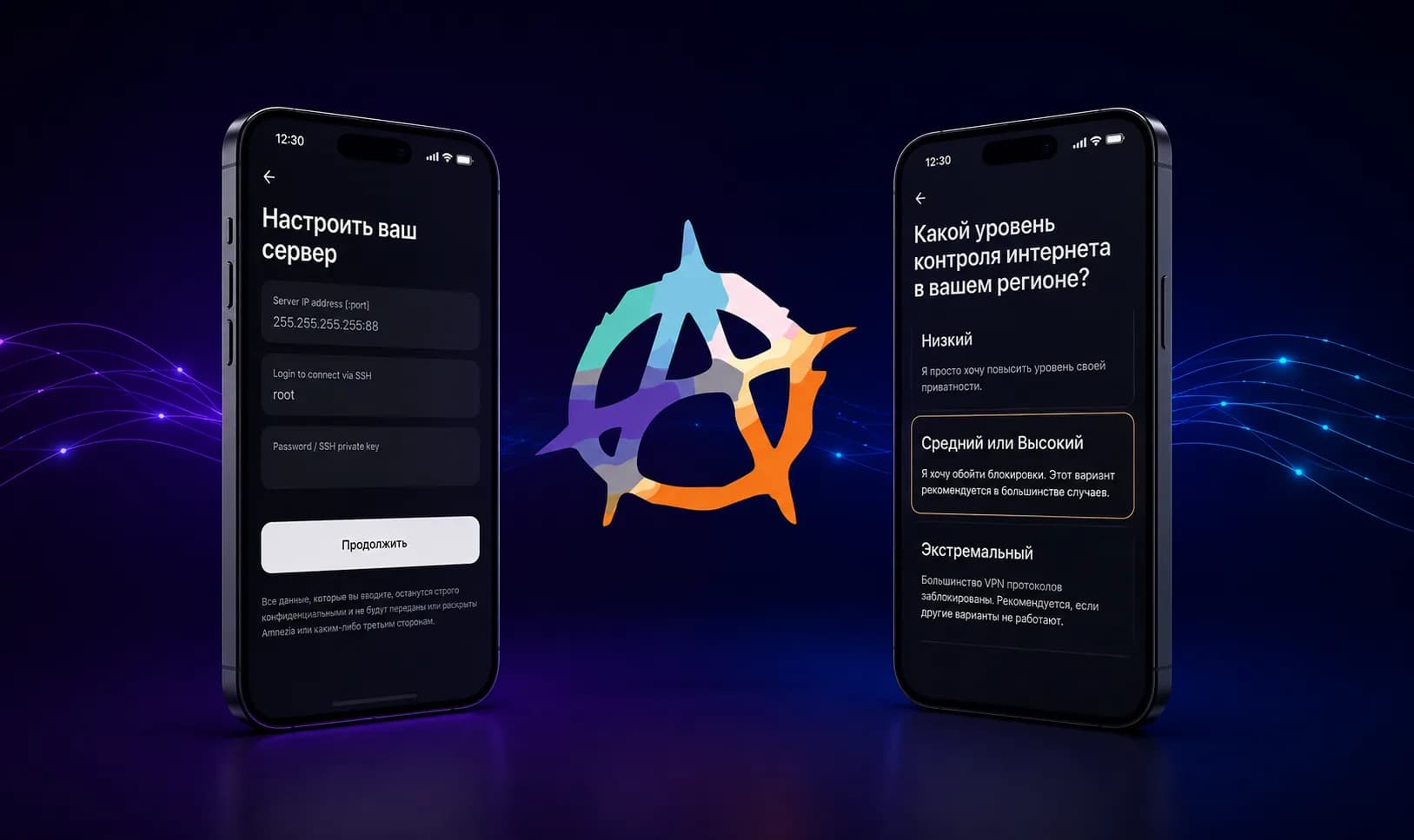

Hiddify is an open-source client built on the sing-box core: you add a subscription link, and the app pulls the server list out of it and connects. It installs on almost anything, the interface is friendly, and remaining traffic shows right on the main screen.
Coverage of this client is usually all praise. This article covers the setup and the part nobody writes down: Hiddify does not take everything from the config it is handed, and the loss is noticeable on day one. The step-by-step guide specific to RuSolv lives in the documentation; this piece is about the app in general.
What Hiddify is
Hiddify is a shell around the sing-box core, the same engine many modern clients use. The core handles the connection and the traffic obfuscation, the app handles the interface, profile storage, and switching locations.
It supports VLESS + Reality and the rest of its core's protocols, adds a subscription by link, from the clipboard, or by QR code, and shows remaining traffic and the subscription expiry date when the service sends them.
The latest release at the time of writing is 4.1.1, dated 5 March 2026. That is not a trivia point: some of the behaviour described below is specific to this version, and there have been no releases since.
Which devices Hiddify runs on
- iPhone, iPad — the App Store, global storefront
- Android — Google Play or the APK
- Windows — exe, msix, portable zip
- macOS — dmg or pkg
- Linux — AppImage, deb, tar.gz
Platform coverage is Hiddify's strong suit: it has the iOS version FlClashX lacks, plus a full set of desktop builds. Everything but iOS installs directly from the project's releases page. The desktop builds are x86-64 only, though — no ARM version for Windows or Linux laptops, unlike Happ and FlClashX.
The Russian App Store is missing from that list
The app is not in the Russian App Store. Checked on 5 August 2026, two ways. By identifier: itunes.apple.com/lookup with country=ru returns nothing, while the US storefront returns "Hiddify Proxy & VPN". And by searching the storefront itself, so as not to miss a separate regional listing: a Russian App Store search for "hiddify" turns up no Hiddify at all — only unrelated apps from other developers.
The practical consequence: on an iPhone with a Russian Apple ID the app you install is not Hiddify but Happ, which has a separate listing for the Russian storefront. FlClashX has no iOS build, neither in its releases nor in the App Store, so the iPhone shortlist is short. On Android and on desktops there are no restrictions at all.
What Hiddify throws away
Here is the part worth opening the article for.
Routing rules are not applied
Many services put more than a server list into a subscription: they include rules for which traffic goes into the tunnel and which stays on the direct connection. The typical case is Russian sites such as Yandex, VK, or Gosuslugi, which there is no sense in routing through a VPN.
Those rules never reach Hiddify. Its parser keeps only the server list from the config it downloads, and builds the routing, the selection groups, and DNS itself, from its own settings. The rules section simply will not be in the stored profile — regardless of the format it arrived in.
The practical consequence: there will be no split tunnelling from the subscription in Hiddify. Russian sites will go through the VPN along with everything else. You can configure the split, but by hand, with your own rules in the app.
If split tunnelling for Russian sites matters to you, that is an argument for FlClashX: there the subscription's rules apply to the whole profile at once, with no configuration. In Happ the same thing comes from a separate location entry marked "(Whitelist)".
The app picks the server, not the service
The second loss is quieter, but real. Hiddify assembles the switching groups itself — from the server names that arrived in the subscription — and drives them with a latency test of its own. If the service intended a particular node order or its own load-distribution logic, none of that survives the trip: Hiddify gravitates to whatever measures fastest for it.
Across a handful of locations the difference is invisible. Across many, it is simply different behaviour from what the service designed.
What survives intact
The list of losses deserves a counterweight, or the picture comes out unfair.
- Traffic obfuscation arrives unchanged. The Reality parameters and the browser TLS fingerprint live in the server's own description, and Hiddify takes servers wholesale. That is the part that matters most for a stable connection — and it goes nowhere.
- Remaining traffic and the expiry date are displayed, provided the service sends them in the response headers.
- Every location arrives in one subscription — the same link that works in the other clients.
Step 1. Install the app
Take the build for your system from the list above. On iPhone and iPad it is the App Store only, and only with a non-Russian regional account; on Android either Google Play or the APK; on desktop systems, the releases page.
Step 2. Add the subscription
The app takes a subscription three ways, all with the same result:
- Copy the subscription link from the service's dashboard.
- Open Hiddify and add a new profile.
- Choose adding by link or from the clipboard — or scan the QR code.
- Confirm: the app downloads the profile with all your locations.
If the service shows an "Open in Hiddify" button, it does the same thing in one tap — the app registers a URL scheme of its own and accepts the subscription address straight from the browser.
Step 3. Connect
Pick a location and press the connect button. The system will ask permission to create a VPN profile — confirm it. Then check that the connection is live: has the external IP address changed, do the sites you need open, has latency stayed reasonable.
The profile refreshes on its own: the app periodically reloads the subscription from the same link, so there is no need to re-import when new locations appear.
Common problems
"unable to determine config format"
Hiddify's best-known error when adding a subscription, and its cause is not obvious. Before handing the downloaded file to its parser, the app runs it through processing of its own and strips the whitespace off every line that does not begin with http. For a list of links that is harmless — they all begin with http — but for a YAML configuration it is fatal, because indentation in YAML carries meaning, and without it the file stops being valid. What reaches the parser is already broken, and the app honestly reports that it does not recognise the format.
The fault is on the client side, not in the subscription: the file was correct until the app rewrote it. There is a corresponding upstream ticket — issue #1938, closed in April 2026, though the behaviour still reproduces on 4.1.1.
What a user can do: contact the service's support. Updating the app will not help — 4.1.1 is the latest version there is. This is fixed on the service's side, with a format that survives that processing.
The same subscription address that will not open in Hiddify usually opens without complaint in another client. That is a quick way to tell where the problem lives: if the subscription adds fine in Happ or FlClashX, the link is not at fault.
Russian sites open through the tunnel
This is not a fault but the limitation described above: Hiddify does not apply the routing rules from the subscription. Either configure the split by hand, or move to a client that applies the rules it is sent.
The old link stopped working
If you re-issued the subscription link, the previous one stops working at once. Delete the old profile and add a new one — refreshing the old one will not help, it is hitting a dead address.
A link from Happ will not open
An address of the form happ://crypt5/... is Happ's own encrypted format, and no other client will read it. What you need is an ordinary subscription address beginning with https://.
Hiddify, Happ, or FlClashX
- Hiddify runs on every platform, iOS included, and has a comfortable interface. The downsides are its absence from the Russian App Store, the loss of routing rules, and picking the server for you.
- Happ also ships for iPhone and iPad, and is the only one with its own Russian App Store listing. The downside is that split tunnelling means picking a separate location entry.
- FlClashX applies routing rules to the whole profile at once. The downside is that no iOS build exists at all.
An ordinary subscription link beginning with https:// works in all three: the server identifies the client from the User-Agent header and returns the configuration in a suitable format. So trying another client costs nothing and needs no re-issued link.
Where to get a subscription
Hiddify works with a subscription from any service whose format it can read. With RuSolv that is the same link the other two clients use, and the free tier covers one VLESS device with 10 GB of traffic a month. The step-by-step version of this guide for RuSolv, limitations included, is in the documentation.
Bottom line
Hiddify is a sensible choice if you already use it and would rather not install yet another app: a subscription goes in with three taps, and it runs on every platform, iOS included. But the convenience has a price: it does not apply the routing rules from the subscription, so split tunnelling has to be set up by hand; it picks the server itself; and on an iPhone with a Russian Apple ID it cannot be installed at all — Happ is what works there.